Harpoon a Fish codes right now
Checked against the official Roblox game page 2026-10-25 00:00 UTC
- MONSTER +3k XP and +3 Ruby Keys
Harpoon a Fish is a Roblox fishing tycoon by FirstTry. You dive, harpoon sea monsters and raise them in your aquarium for cash. Codes give you free rewards like XP and Ruby Keys. FirstTry posts them at the top of the game's own description. The live table above shows every active, new and expired code, so check it first and then follow the steps below to claim them.
How to redeem codes in Harpoon a Fish
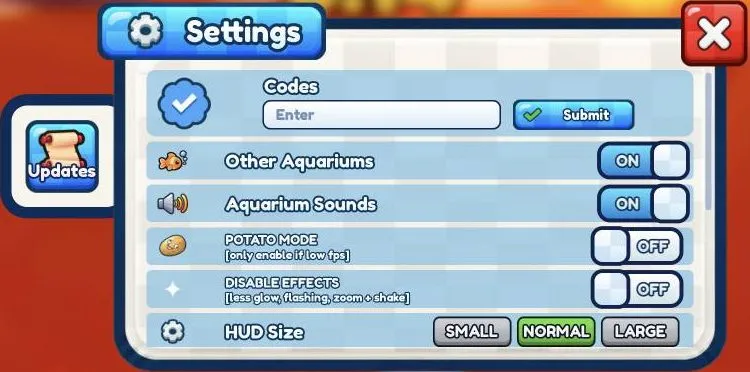
You enter codes in the Settings window, not in the Shop.
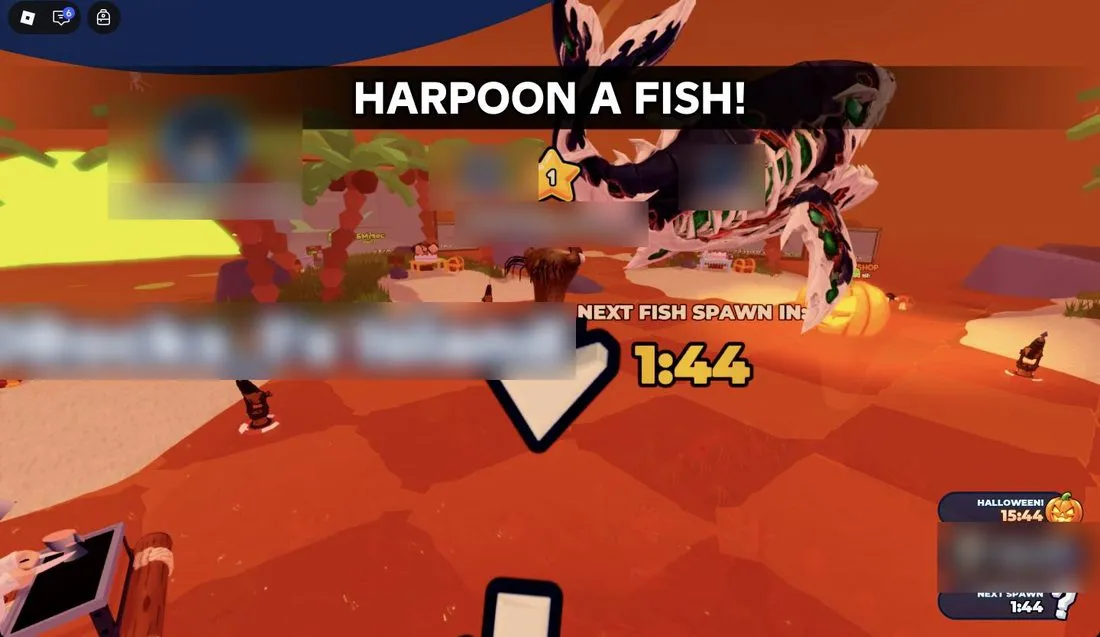
- Look at the bottom left of the screen, under the Index button.
- Click the small gear icon to open Settings. (The other small icon there opens your profile, not codes.)
- Find the Codes box. It says "Enter". Click inside it so the cursor shows.
- Type the code exactly as it appears in the table above.
- Click the green Submit button.
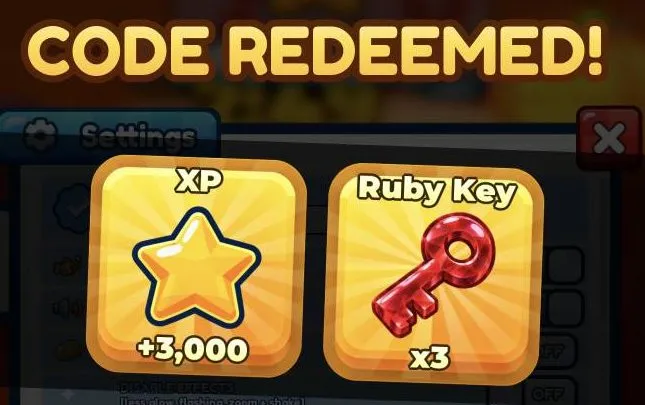
- A "CODE REDEEMED!" screen appears. Click anywhere to close it and get back to playing.
What codes give in this game
The code on the game page gives +3k XP and +3 Ruby Keys.
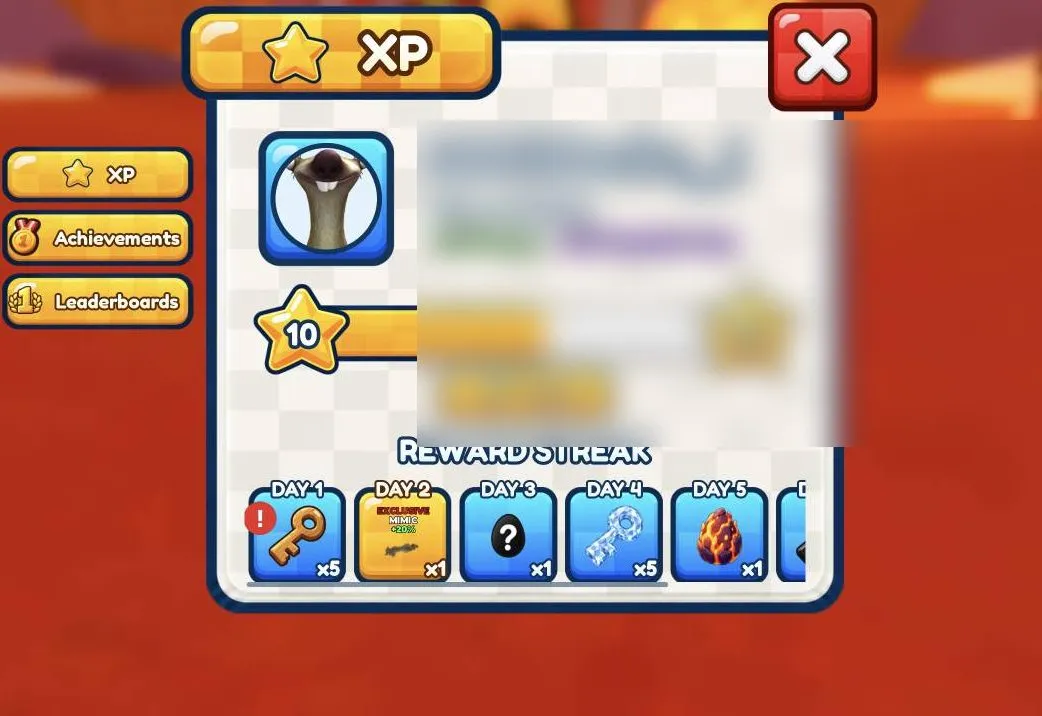
XP raises your level. You can see it in your profile, which you open with the other small icon at the bottom left. The XP tab shows your level bar plus bonuses like extra money and mutation luck.
Redeem codes early so you get the free rewards right away.
Where to find new codes
FirstTry puts codes at the very top of the game description on the Harpoon a Fish game page. They're marked with stars, like "⭐ Use Code: ... ⭐". When the game gets a big update, such as the current Halloween update, check the description again.
You can also just check the table at the top of this page, which lists active, new and expired codes.
Why a code might not work
If nothing happens when you press Submit, check these things:
- You didn't click the box first. Click inside the Codes box before you type, or the text won't go in.
- There's a typo. Type the code exactly as shown, with no extra spaces before or after it.
- The code has expired. Look at the expired list in the table above. Old codes stop working.
- The reward screen is still open. The "CODE REDEEMED!" screen covers everything until you click somewhere. Close it before you try another code.
- You opened the wrong menu. The profile panel and Settings both open from icons at the bottom left. Only Settings has the Codes box. Close any panel with the red X before you try again.
Frequently asked questions
Where is the code box in Harpoon a Fish?
Click the small gear icon at the bottom left, under Index. This opens Settings, and the Codes box is in there.
What do Harpoon a Fish codes give?
The code on the game page gives +3k XP and +3 Ruby Keys.
Where does the developer post new codes?
FirstTry posts codes at the top of the game description on the Harpoon a Fish game page. You can also check the table on this page.
Why does my Harpoon a Fish code not work?
Make sure you clicked inside the Codes box before typing and spelled the code exactly right. If it still fails, the code may have expired, so check the expired list in the table above.
Do I need Robux to use codes?
No. Codes are free. Just type them into the Codes box in Settings and press Submit.
How we checked this guide
We played Harpoon a Fish on a fresh account (last checked in-game 25 Oct 2026) and every screenshot here comes from that play. Each fact in this guide was checked against our gameplay notes and the official Roblox game data, and 7 claims we couldn't confirm were corrected or removed before publishing. Player names and chat are blurred. More on how we check our guides.
Add MMORocks as a preferred source on Google to see our guides first in Top Stories.