Short answer: we know of one code for Phone Store Tycoon: JOINED. It comes from the game's official description on Roblox, which says to use it after you join the group. We have no other codes, and we won't list made-up ones. If new codes come out, we'll add them here, so check back.
Current Phone Store Tycoon codes
| Code | Where it came from | Notes |
|---|---|---|
| JOINED | The official game description by Mega Tycoons Studios | You have to join the group before you use it |
That's the only code we know of right now. The description doesn't say what JOINED gives you, so we can't promise a reward.
If a website lists lots of other codes for this game, be careful. They might be fake or made for a different game.
How to redeem codes
The game description says to join the group first, so do that before anything else.
- Go to the game's page on Roblox and join the game's group (the game is made by Mega Tycoons Studios).
- Open Phone Store Tycoon.
- Look around your screen for a codes button or a code box.
- Type JOINED exactly like this, in capital letters.
- Press the button that confirms the code.
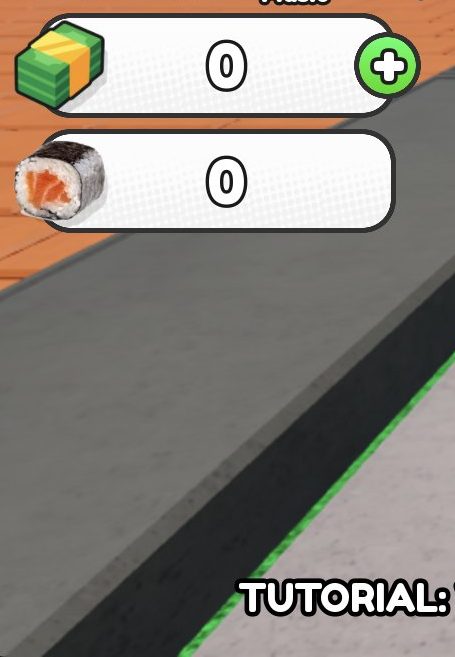
- Look at your Cash counter on the left of the screen to see if anything changed.
We haven't confirmed exactly where the code box is on screen yet. If you can't find it, look at the buttons on the sides of your screen.
What codes give in this game
The game hasn't said what the JOINED code gives you. The game uses Cash as money, and the counter starts at 0, so any cash reward should show up there.
Joining the group is a separate reward from the code. The description says joining gives you a 50% cash boost. So joining the group helps you even before you type the code.
Where to find new codes
The only official place we've seen a code is the game description on the Phone Store Tycoon page on Roblox. That's where JOINED is listed.
To spot new codes:
- Check the game description now and then for changes.
- Keep an eye on the game's group, since the code is tied to joining it.
- Come back to this page, because we'll update it when we find a new code.
Why a code might not work
If JOINED doesn't work, check these things:
- You haven't joined the group. The description says to use the code after joining, so join first.
- There's a typo. Type it exactly: JOINED. Make sure there are no spaces before or after it.
- You already used it. Most codes only work once for each player.
- The code has ended. Games sometimes switch off old codes.
If you're new and want help getting started, read our Phone Store Tycoon Beginner's Guide: First Steps.
Frequently asked questions
What are the codes for Phone Store Tycoon?
The only code we know of is JOINED. It's listed in the official game description, which says to use it after joining the group.
Do I need to join the group to use the JOINED code?
Yes. The game description says to use the code JOINED after you join the group.
What does the JOINED code give?
The game doesn't say what the code gives. Check your Cash counter on the left of the screen after you redeem it.
Does joining the group give a bonus?
Yes. The game description says joining the group gives a 50% cash boost.
Why is my Phone Store Tycoon code not working?
Make sure you've joined the group and typed JOINED exactly, with no spaces. The code may also have been used already on your account, or it may have ended.
Where are new Phone Store Tycoon codes posted?
So far, the only official place we've seen a code is the game description on Roblox. Check it now and then, and come back to this page for updates.