Short answer: Skybase Tycoon has three codes we know of: FLAPPY, SEASIDE and CODECASH. All three are listed in the official game description by the developer, Flappy Bit Games. There are no other codes we can confirm. Below you'll find how to redeem them, where new codes show up and what to do if a code won't work.
All known Skybase Tycoon codes
These are the codes we know of right now:
- FLAPPY: listed in the official game description
- SEASIDE: listed in the official game description
- CODECASH: listed in the official game description
Type them exactly as shown, in capital letters. We don't know of any expired codes. If we haven't listed a code here, we haven't been able to confirm it, so be careful with codes posted on other sites.
How to redeem codes in Skybase Tycoon
You type codes into the CODE box in the Settings menu. Here's how:
- Join Skybase Tycoon and wait for the loading screen to finish.
- When the Daily Rewards popup shows, click Claim and then Close.
- If the Pick your pet popup appears, click the pet's picture (clicking its name doesn't work).
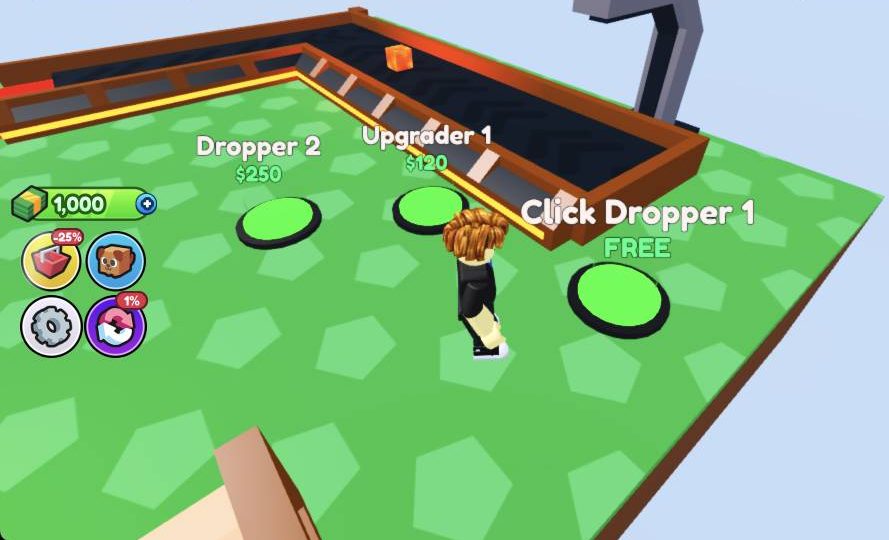
- Look at the buttons on the left side of the screen. Click the gear button to open Settings.
- Under General, find the CODE text box.
- Type one code exactly as written, for example FLAPPY, and confirm it.
- Repeat with the next code, then close Settings with the X.
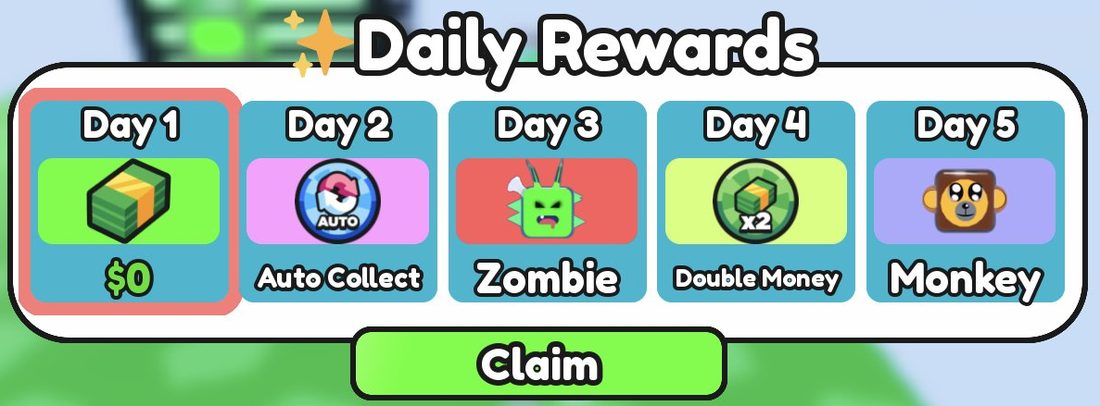
The red -25% button sits right next to the gear, and it opens the Store. If you open the Store by mistake, click the red X at the top right to close it.
What codes give
We don't know yet what each code gives. Once you redeem a code, check your green Cash counter at the top left and your Pets menu to see what you got.
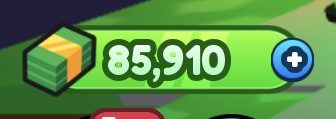
For another free boost, look for the Like Chest. It gives +$10,000 if you like the game and join the group.
Where to find new codes
There are two places to check, both run by the developer:
- The official game description on the Skybase Tycoon game page. This is where FLAPPY, SEASIDE and CODECASH are listed.
- The developer's group on Roblox (roblox.com/communities/34447540). The game asks players to join it to stay up to date with the latest news.
We'll add new codes to this page once we've checked them, so check back.
Why a code might not work
If a code fails, try these fixes:
- Check your spelling. Type the code in capital letters, exactly as shown, with no spaces before or after it.
- Make sure you're in the right box. Codes go in the CODE box in Settings, not the Store.
- You might have used it already. Codes usually only work once per account.
- The code may have expired. Developers sometimes switch old codes off. If that happens, watch the game description and the group for new ones.
- It might be a fake. Only trust codes from the official game description or the developer's group.
What to do after redeeming
Spend any cash you get on your build pads, starting with droppers and upgraders. For a full plan, read How to Make Money Fast in Skybase Tycoon. New players should start with Skybase Tycoon Beginner's Guide: Your First Session.
Frequently asked questions
What are the codes for Skybase Tycoon?
The known codes are FLAPPY, SEASIDE and CODECASH. All three are listed in the official game description.
Where do you put codes in Skybase Tycoon?
Click the gear button on the left side of the screen to open Settings. Type the code into the CODE text box under General.
Why is my Skybase Tycoon code not working?
Check that you typed it in capitals with no extra spaces. You may have used it already, or it may have expired.
Where can I find new Skybase Tycoon codes?
Check the official game description and the developer's group on Roblox. We'll also add new codes here once we've checked them.
Are there other free rewards in Skybase Tycoon?
Yes. The Like Chest gives +$10,000 if you like the game and join the group, and you can claim Daily Rewards from the popup when you join.